🔥 99 ₽
 🐾
🐾Silver for Destiny: Rising. Fast delivery after payment — the order form shows what details are needed.
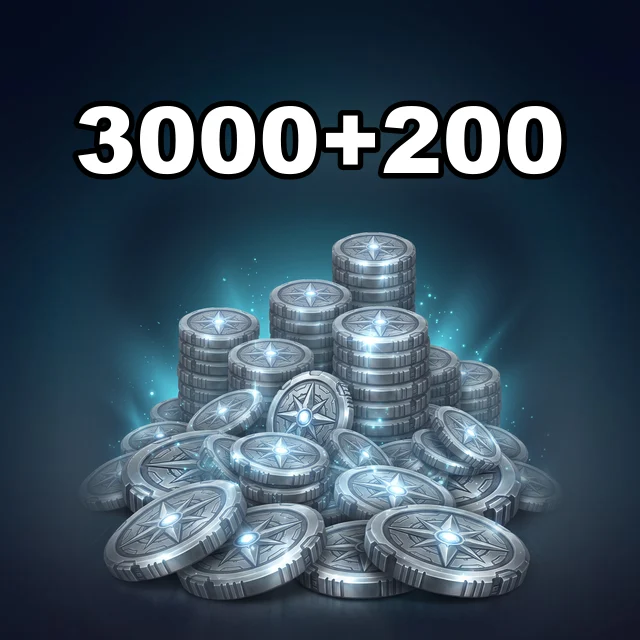
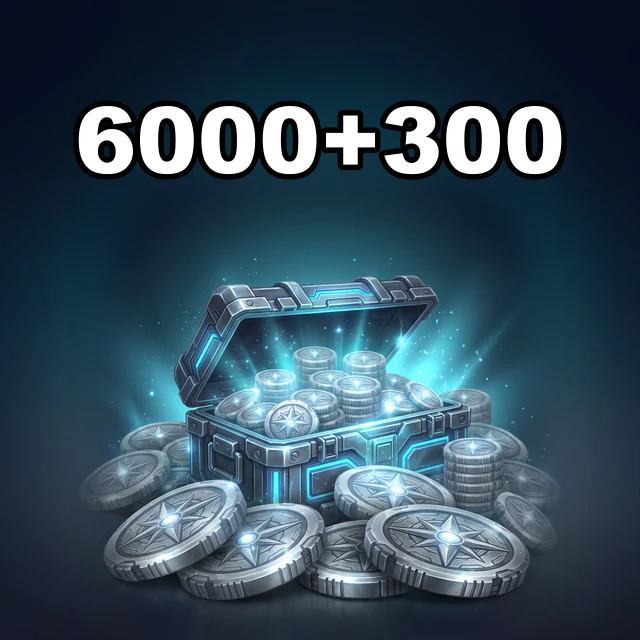
Silver for Destiny: Rising. Pick a package, give your public in-game ID, and follow the progress in the order chat. Prices and availability are shown before you order.
Silver is the premium currency of Destiny: Rising: it buys offers in the in-game shop. Donattio sells Silver in bonus packs — from 60 + 5 to 6,000 + 300.
Pick an item, add it to the cart, enter User ID and Сервер, choose a payment method and check the total.
At checkout Donattio asks only for User ID and Сервер. The hint appears right above the field.
Bank cards, transfers to a Ukrainian bank, crypto and your Donattio balance. The exact list is on the payment step; the total is shown before you confirm.
Most orders are done within minutes. If a manual check is needed, an operator writes in the order chat.
We ask only for what the chosen item needs. Never send your password in the game ID field or in the chat.
Open the saved order chat, check the status and send the operator your order number. History is kept in guest mode too.
Yes. At checkout enter the recipient's account details — the purchase will be prepared for them.