🔥 81 ₽
 🐾
🐾Love and Deepspace Crystals and Aurum Pass by UID. Fast delivery after payment — the order form shows what details are needed.



Message us in the chat — an operator will check whether the package you need for Love and Deepspace can be bought.
Love and Deepspace Crystals and Aurum Pass by UID. Pick a package, give your public in-game ID, and follow the progress in the order chat. Prices and availability are shown before you order.
Love and Deepspace is a mobile otome game by Papergames, published outside China by Infold Games. The global version launched on January 18, 2024. The story is set in 2048 in Linkon City, attacked by dangerous creatures since a tunnel to Deepspace opened there in 2034. The heroine, a hunter, fights them alongside five leads: Xavier, Zayne, Rafayel, Sylus and Caleb. The game stands out for full 3D: first-person dates, lifelike scenes and real-time battles with memory cards. There is no Russian: the game is in English, Japanese, Korean and Chinese.
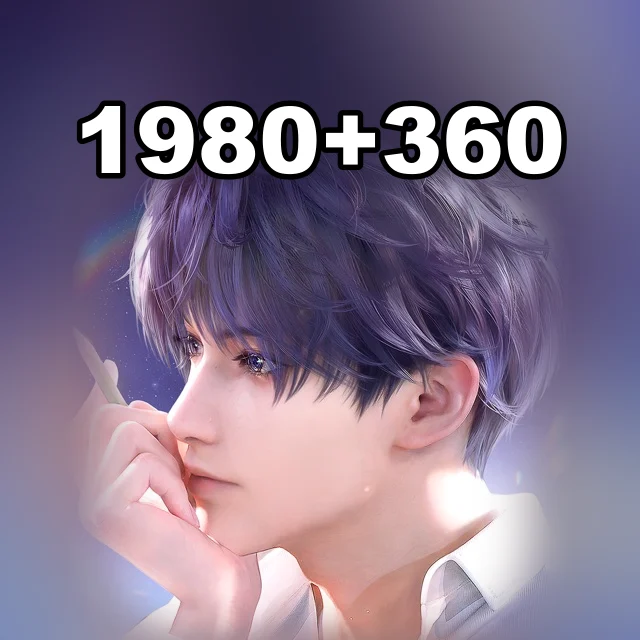
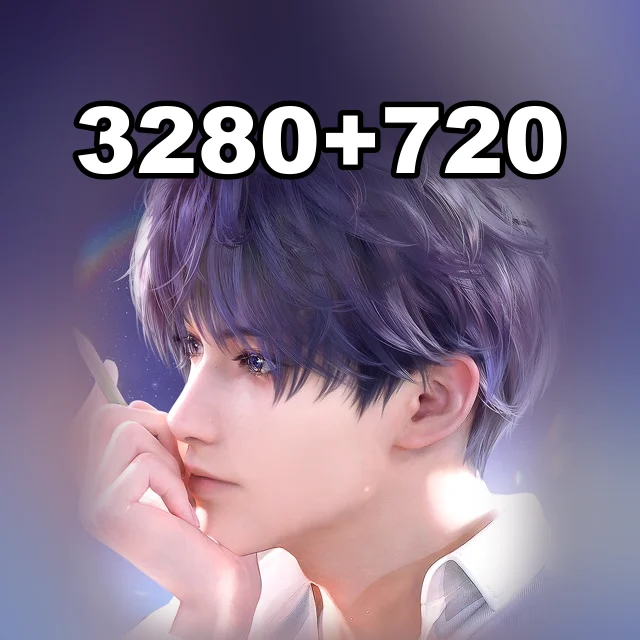
Crystals are the paid currency of Love and Deepspace. They convert into Diamonds, which are spent on Wishes: pulls on memory banners. Crystals also buy outfits and offers in the in-game shop. Donattio sells Crystals in packs from 60 to 6,480; all packs except 60 include bonus Diamonds, from 300 + 30 to 6,480 + 1,600.
The Aurum Pass lasts 30 days: after purchase the account receives Crystals, and every daily login adds Diamonds and stamina. The Companionship Pack is an offer with Wishes; its current contents are listed in the in-game shop.
Pick an item, add it to the cart, enter UID (Hunter No.) and Server, choose a payment method and check the total.
At checkout Donattio asks only for UID (Hunter No.) and Server. The hint appears right above the field.
Bank cards, transfers to a Ukrainian bank, crypto and your Donattio balance. The exact list is on the payment step; the total is shown before you confirm.
Most orders are done within minutes. If a manual check is needed, an operator writes in the order chat.
We ask only for what the chosen item needs. Never send your password in the game ID field or in the chat.
Open the saved order chat, check the status and send the operator your order number. History is kept in guest mode too.
Yes. At checkout enter the recipient's account details — the purchase will be prepared for them.
Oneiric Shards and Express Supply Pass by UID

Super Sus Goldstar and Super Pass by Space ID

Bonds for the PC version by Player ID
Identity V Echoes and bundles by Player ID and server
State of Survival Diamonds by User ID, no password
AFK Journey Dragon Crystals by Account ID, no password