🔥 434 ₽
 🐾
🐾Warborne Above Ashes Solarbite by User ID and server. Fast delivery after payment — the order form shows what details are needed.
Message us in the chat — an operator will check whether the package you need for Warborne Above Ashes can be bought.
Warborne Above Ashes Solarbite by User ID and server. Pick a package, give your public in-game ID, and follow the progress in the order chat. Prices and availability are shown before you order.
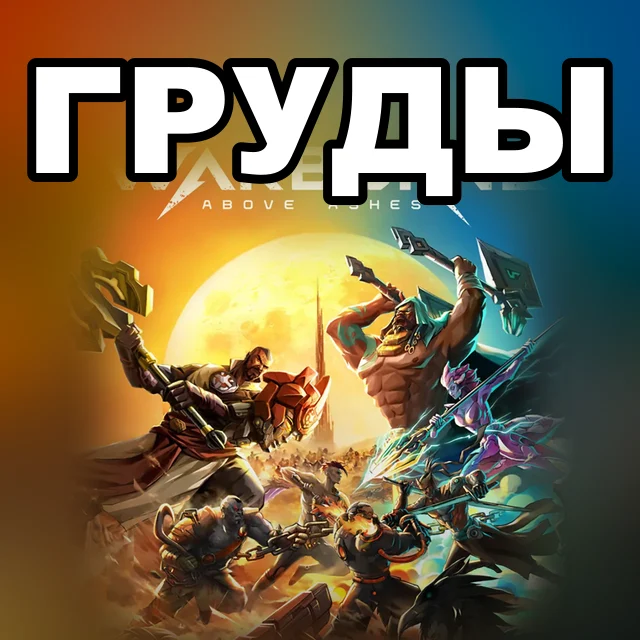
Warborne Above Ashes is a free-to-play top-down PvP loot-and-extract MMO for PC from Qooland Games. You play as a Driftmaster who raids the Void Abyss for treasure and has to escape with the loot before other players take it. Fog hides friend and foe alike, and the multi-layered maps let you charge into open battle or sneak to the loot unseen. Over 40 Drifters, gear and tactical items combine into your own build. Loot is sold on a single Auction House shared by all servers, and a tech tree turns every recovered find into power for your character. Planet servers are grouped into regional sectors: Asia, Europe and the Americas. The game launched globally in September 2025 and has a Russian localization.
Solarbite is the game's premium currency. It is spent in the in-game Store and on the Auction House, donated to your Warband's treasury and exchanged for Eclipsium, which unlocks new Drifters. One game rule applies to purchased Solarbite: for the first 3 days, up to 30% of it cannot be used on the Auction House or donated to a Warband, though it works in the Store and for the Eclipsium exchange right away. Donattio sells Solarbite in four packs: a Bunch, a Pouch, a Pile and Several Piles.
Pick an item, add it to the cart, enter User ID and Server, choose a payment method and check the total.
At checkout Donattio asks only for User ID and Server. The hint appears right above the field.
Bank cards, transfers to a Ukrainian bank, crypto and your Donattio balance. The exact list is on the payment step; the total is shown before you confirm.
Most orders are done within minutes. If a manual check is needed, an operator writes in the order chat.
We ask only for what the chosen item needs. Never send your password in the game ID field or in the chat.
Open the saved order chat, check the status and send the operator your order number. History is kept in guest mode too.
Yes. At checkout enter the recipient's account details — the purchase will be prepared for them.
 TOP
TOPGems and Wild Club subscription
 TOP
TOPDiamonds, Premium and Deluxe Pass
 HIT
HITTokens, Legend Pass and car packs
 TOP
TOPFC Points and value bundles
 TOP
TOPUC with instant delivery

Delta Coins with bonus by UID