🔥 96 ₽
 🐾
🐾Knives Out Vouchers by Player ID, server and name. Fast delivery after payment — the order form shows what details are needed.
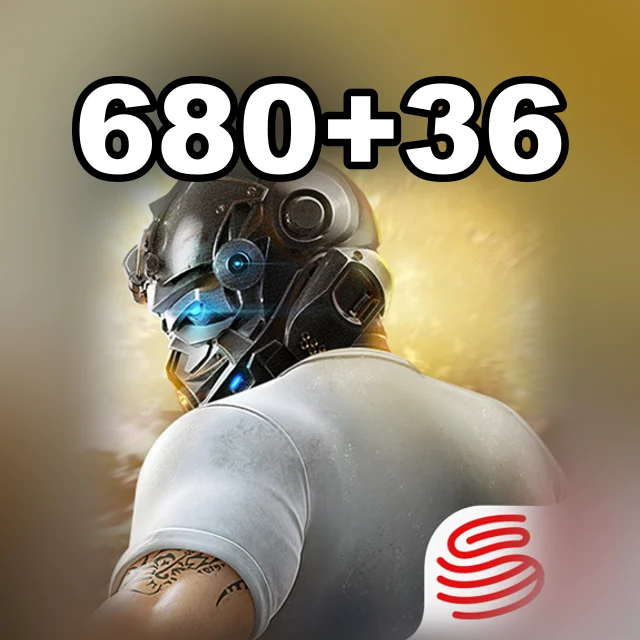
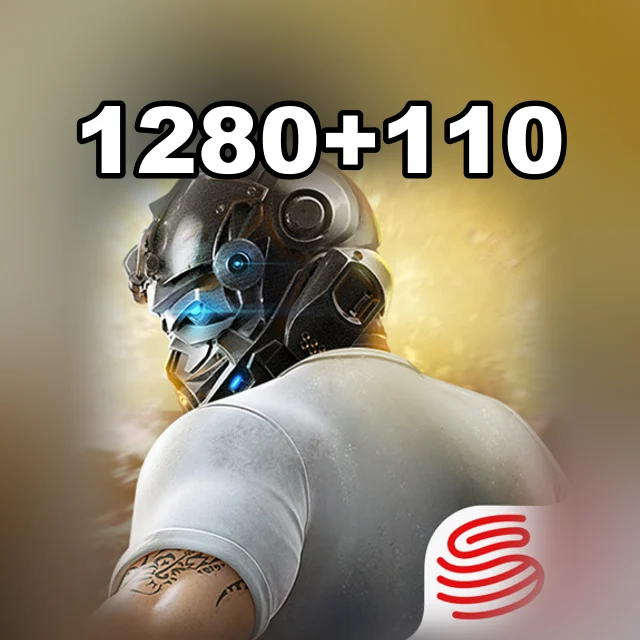
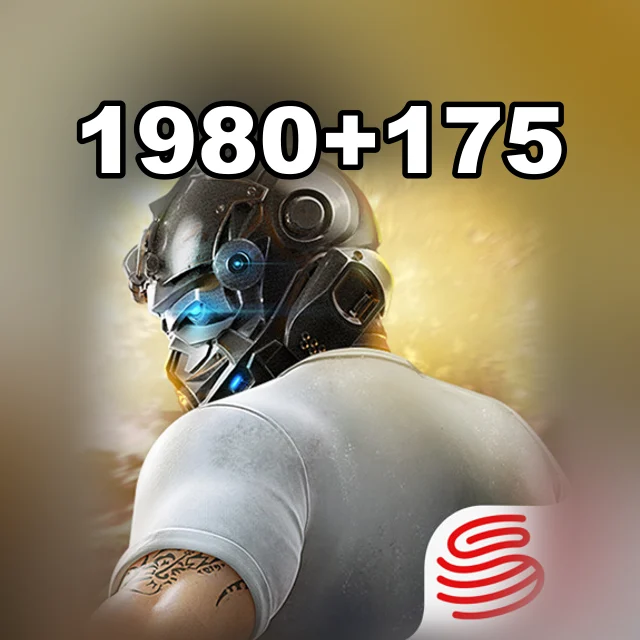
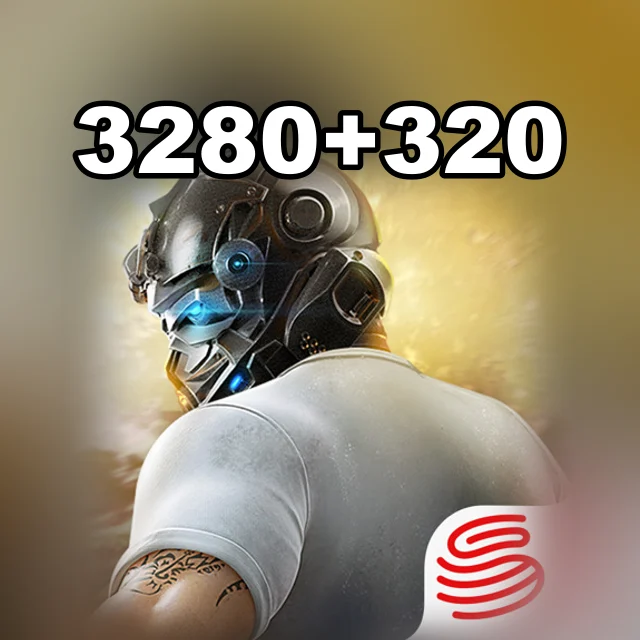
Message us in the chat — an operator will check whether the package you need for Knives Out can be bought.
Knives Out Vouchers by Player ID, server and name. Pick a package, give your public in-game ID, and follow the progress in the order chat. Prices and availability are shown before you order.
Knives Out (known in Japan as 荒野行動) is a mobile battle royale from NetEase Games, released at the end of 2017. In every match about a hundred players land on a large map, gather weapons and gear, jump into vehicles and fight until only the last player or squad is left. You can play solo or as a team with friends, and besides phones there is a PC version. The game is especially popular in Japan: it has a separate server there, regular anime collaborations and themed maps, including one inspired by Tokyo.
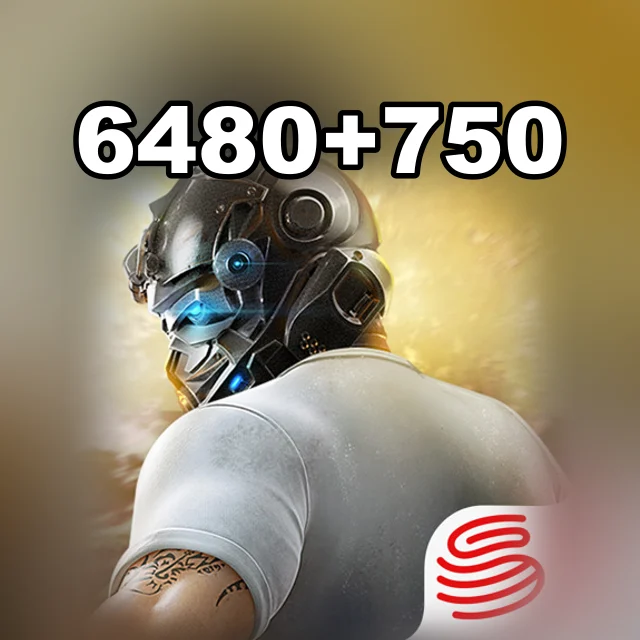
Vouchers are the premium currency of Knives Out. They buy outfits and accessories for your character, weapon and vehicle skins, entries in event draws and items from collaborations. Donattio sells Vouchers in bonus packs, from 60 + 5 to 6,480 + 750.
Pick an item, add it to the cart, enter Player ID and Server and Character Name, choose a payment method and check the total.
At checkout Donattio asks only for Player ID and Server and Character Name. The hint appears right above the field.
Bank cards, transfers to a Ukrainian bank, crypto and your Donattio balance. The exact list is on the payment step; the total is shown before you confirm.
Most orders are done within minutes. If a manual check is needed, an operator writes in the order chat.
We ask only for what the chosen item needs. Never send your password in the game ID field or in the chat.
Open the saved order chat, check the status and send the operator your order number. History is kept in guest mode too.
Yes. At checkout enter the recipient's account details — the purchase will be prepared for them.
Legacy of Discord Diamonds by User ID and server

Love Nikki Diamonds, Monthly Card and packs by ID
Ludo Club Coins and Cash by Player ID

Mobile Legends: Adventure M-Cash by ID and server
Octopath Traveler: CotC Rubies by User ID, no password

Pure Sniper Gold by Player ID, no password needed