🔥 8 ₽
 🐾
🐾NIKKE Gems by Player ID and server, no password. Fast delivery after payment — the order form shows what details are needed.
Message us in the chat — an operator will check whether the package you need for Goddess of Victory: NIKKE can be bought.
NIKKE Gems by Player ID and server, no password. Pick a package, give your public in-game ID, and follow the progress in the order chat. Prices and availability are shown before you order.
Goddess of Victory: NIKKE is a shooter with RPG elements from the Korean studio Shift Up, the makers of Stellar Blade; it is published by Level Infinite (Tencent). It launched in November 2022 on Android and iOS, and on PC in February 2023. In the story, the invading Rapture machines have driven humanity underground, and Nikkes, combat androids under the player's command, must win back the surface. Battles are played in third person: a squad of five heroines fires from behind cover, and Burst skills chain into a Full Burst. The game is known for collaborations with Chainsaw Man, NieR: Automata, Evangelion and Stellar Blade. NIKKE has no Russian language; the interface is in English and several other languages.
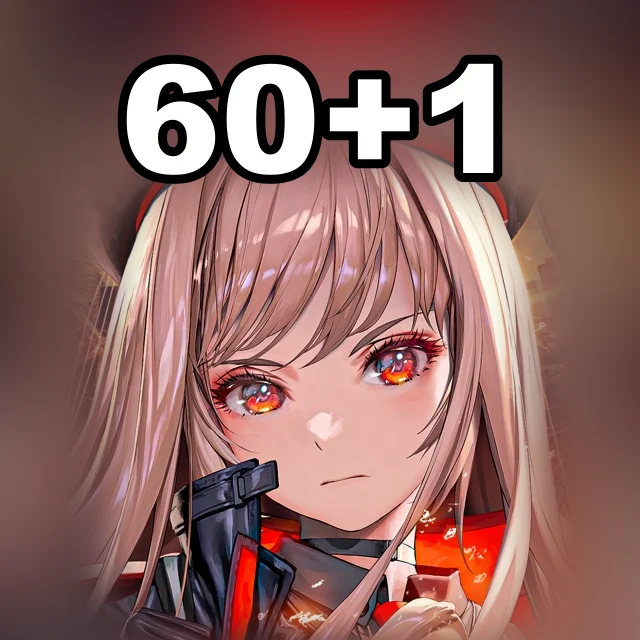
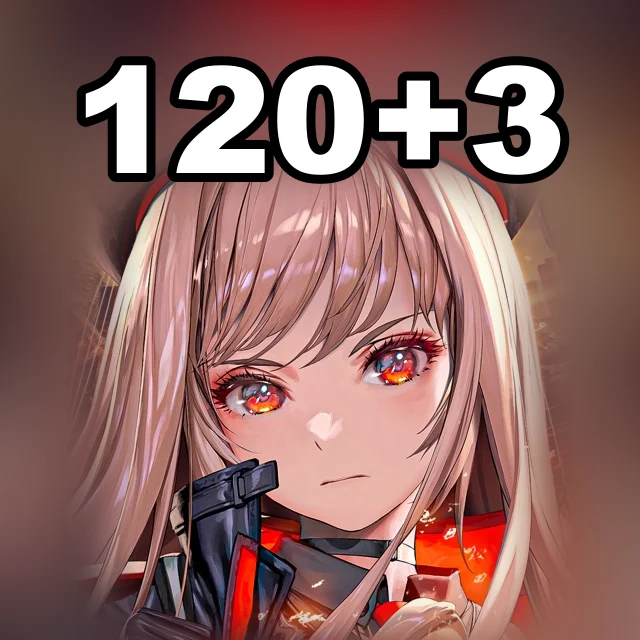
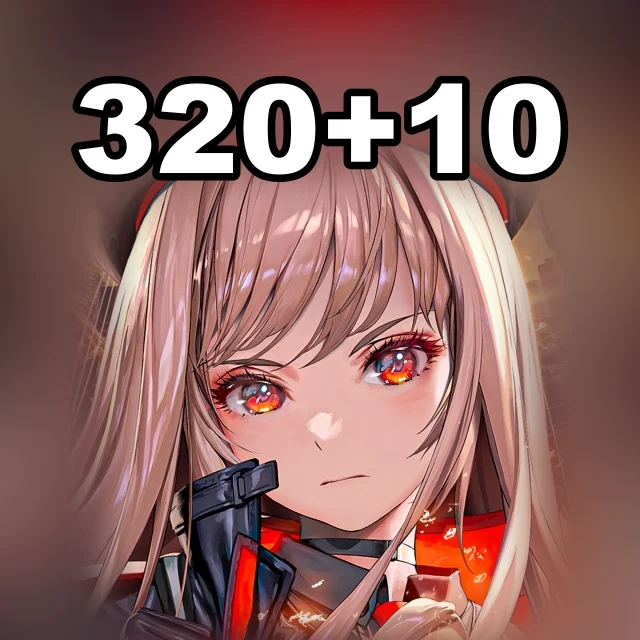
Gems are the premium currency of NIKKE. Their main use is recruiting heroines (one recruit costs 300 Gems, ten cost 3,000), plus costumes and offers in the in-game shop. The Monthly Pass gives Gems right after purchase and then daily for 30 days, while bundles contain materials for developing your squad. Donattio sells Gems in packs from 6 to 6,200 + 1,500.
Pick an item, add it to the cart, enter Player ID and Server, choose a payment method and check the total.
At checkout Donattio asks only for Player ID and Server. The hint appears right above the field.
Bank cards, transfers to a Ukrainian bank, crypto and your Donattio balance. The exact list is on the payment step; the total is shown before you confirm.
Most orders are done within minutes. If a manual check is needed, an operator writes in the order chat.
We ask only for what the chosen item needs. Never send your password in the game ID field or in the chat.
Open the saved order chat, check the status and send the operator your order number. History is kept in guest mode too.
Yes. At checkout enter the recipient's account details — the purchase will be prepared for them.
Puzzles & Survival Vouchers by UID, no password
The Ants Ant Coins by Player ID, no password needed
Where Winds Meet Echo Beads and passes by Character ID

Age of Empires Mobile coins by Player ID and server
EVE Echoes AUR by Character ID, no password
PGR Rainbow Cards for Android and iOS by Role ID